






‹
›
‹
›
Introduction to Particle Size Image Analysis Software
Basic Functions

Image Analysis Module
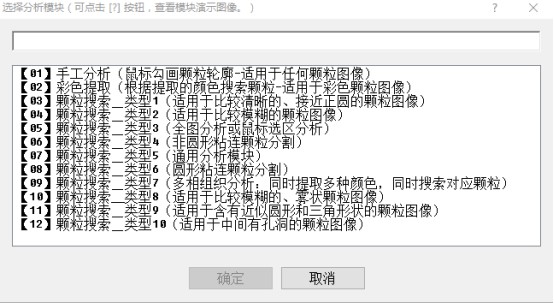
【01】Manual Analysis (Particle Contour Delineation via Mouse – Suitable for Any Particle Image)Delineate particle contours by drawing lines with the mouse to calculate the diameter, perimeter, area, major axis and minor axis of each particle, as well as the total area of the analysis target, total number of particles, number of particles per square millimeter, and phase area percentage. The current drawing work can be saved as a file, which can also be loaded into the software.
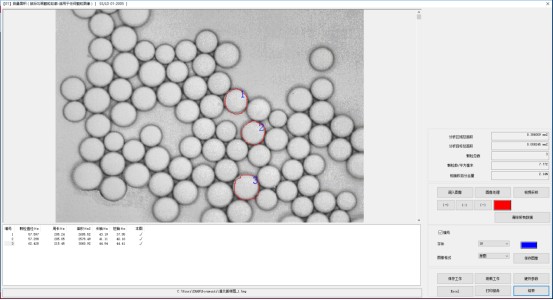
(Software Interface)
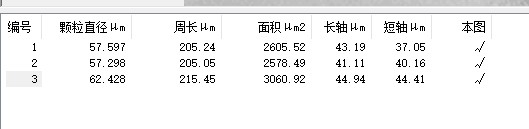
(Data List)
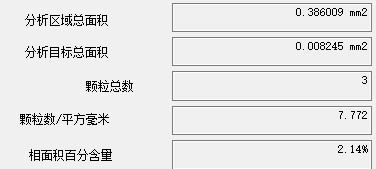
(Analysis Data)
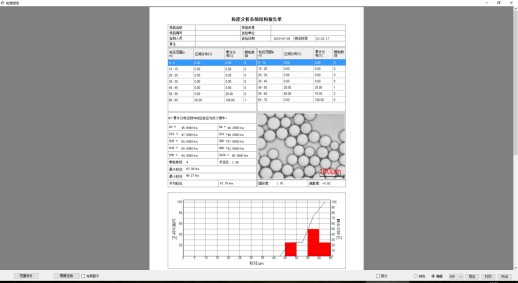
(Analysis Report)
【02】Color Extraction (Particle Detection Based on Extracted Colors – Suitable for Color Particle Images)Select the particle color on the image with the mouse, then set the extraction parameters to extract the particles that meet the requirements. Calculate the diameter, perimeter and area of each particle, as well as the total number of all particles, phase area percentage, maximum particle diameter, minimum particle diameter, average particle diameter and other data.
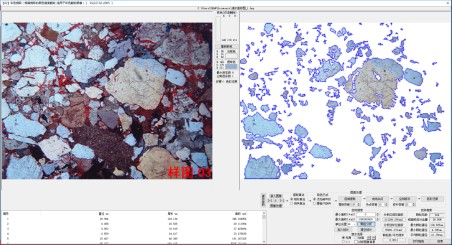
(Software Interface)
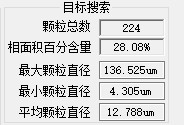
(Analysis Data)
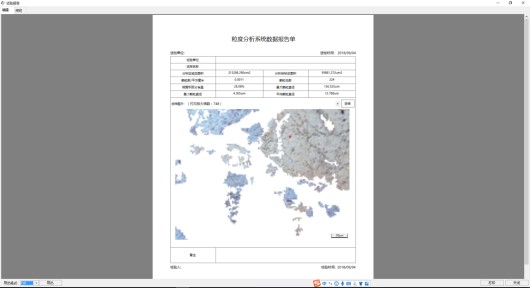
(Print Report, Format 1)
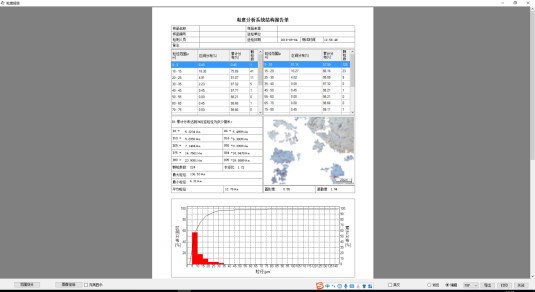
(Print Report, Format 2)
【03】Particle Detection – Type 1 (Suitable for Clear, Near-circular Particle Images)The software detects particles that meet the requirements based on the set detection parameters, and calculates the perimeter, area, major axis, minor axis and diameter of each particle, as well as parameters including total particle area, particle area percentage, total number of particles, average diameter, number of particles per square millimeter, DN10, DN50, DN90, DS10, DS50 and DS90. It also counts the number of particles, distribution percentage and cumulative percentage within each particle diameter interval, and generates statistical charts.
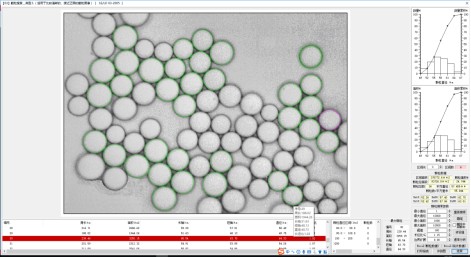
(Software Interface)
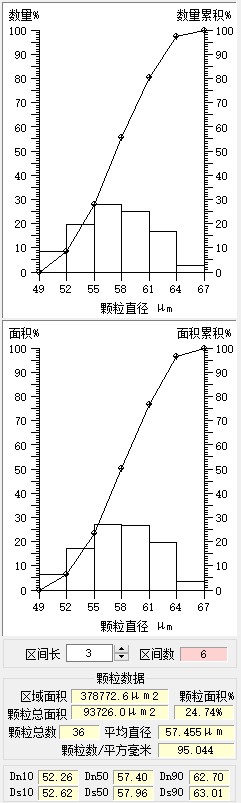
(Graph and Screenshot of Analysis Data)
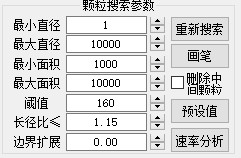
(Particle Detection Parameters)
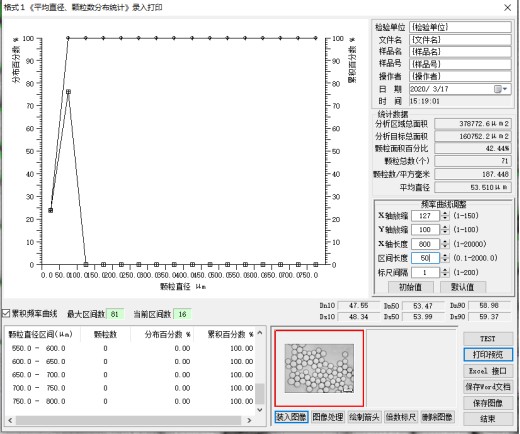
(Report Editing Interface)
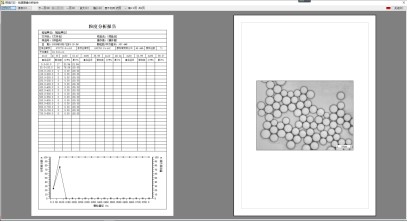
(Print Report)
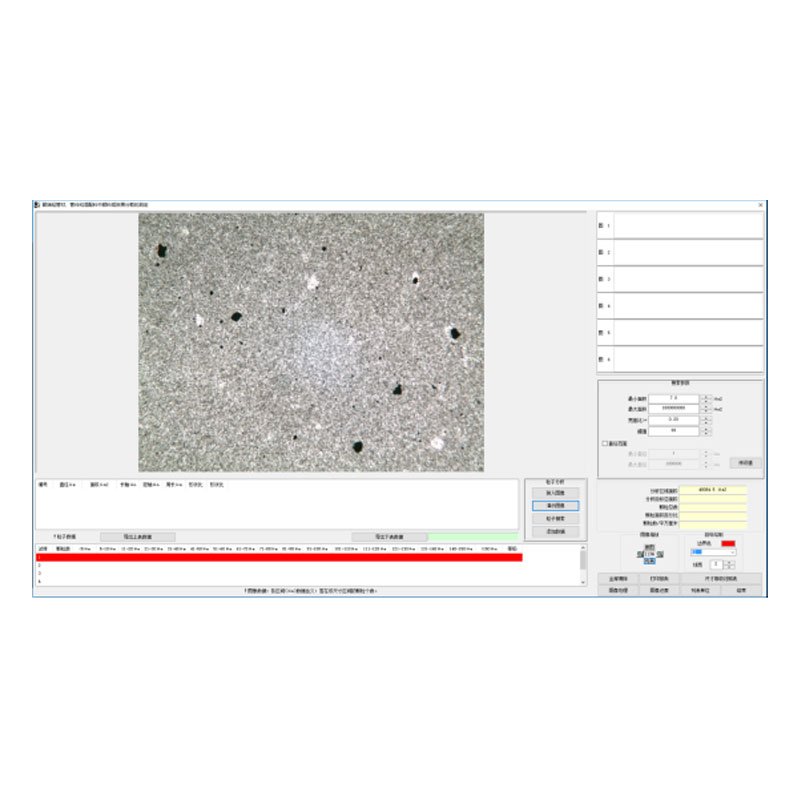
【04】Particle Detection – Type 2 (Suitable for Blurred Particle Images)The software detects particles that meet the requirements based on the set detection parameters, and calculates the perimeter, area, major axis, minor axis and diameter of each particle, as well as the total number of particles, total particle area, particle area percentage, average diameter and number of particles per square millimeter.
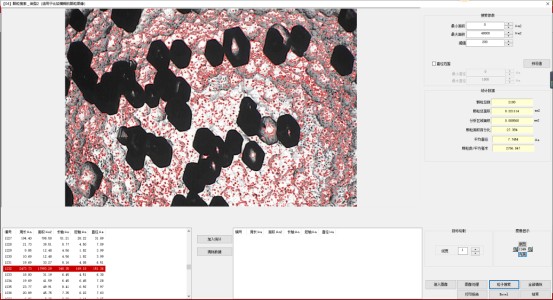
(Software Interface)

(Data List)
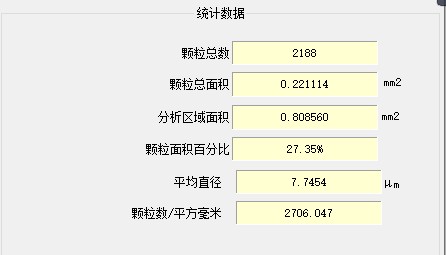
(Statistical Data)
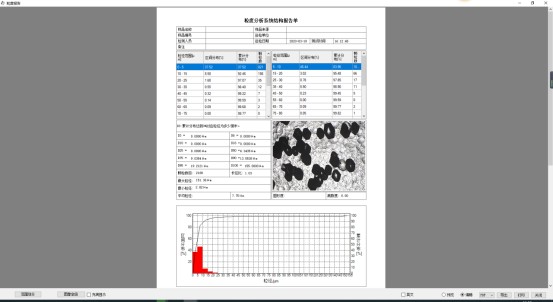
(Print Report)
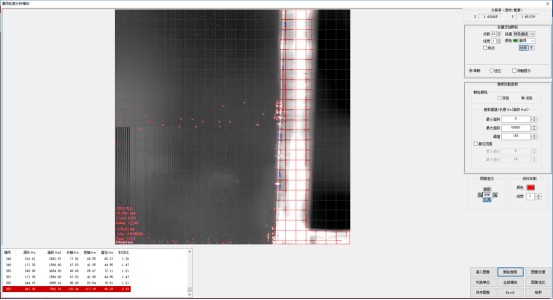
【05】Particle Detection – Type 3 (Full-image Analysis or Mouse-selected Area Analysis)The software detects particles that meet the requirements based on the set detection parameters, and calculates the perimeter, area, major axis, minor axis, diameter and shape ratio of each particle. It also counts the total area of the analysis target, the number of truncated particles and the total number of particles. Area selection can be performed prior to particle detection.
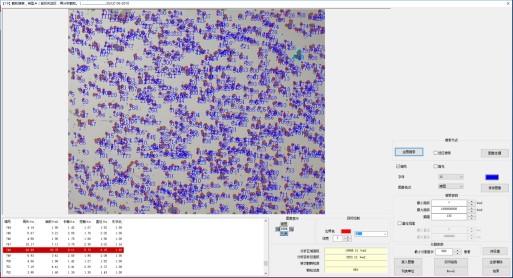
(Module Interface)
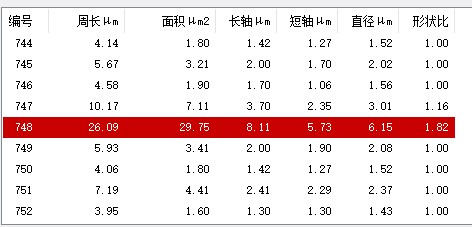
(Data List)
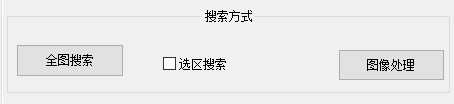
(Search Mode Selection)
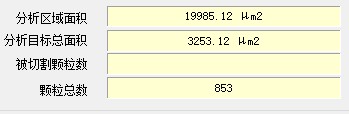
(Statistical Data)
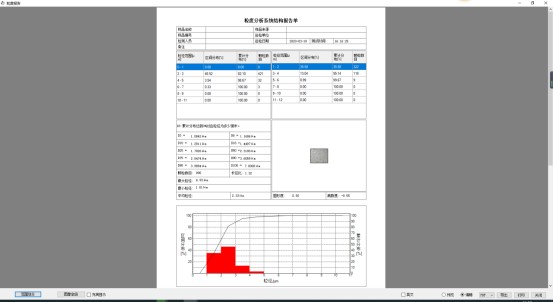
Print Report
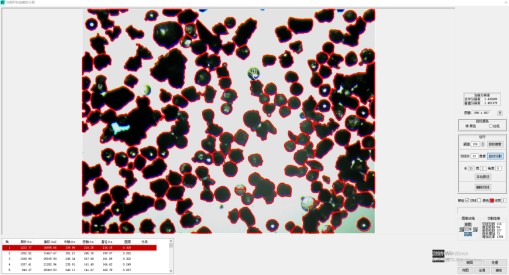
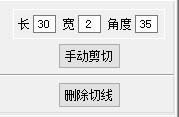
【06】Particle Detection – Type 4 (Segmentation of Non-circular Agglomerated Particles)This module can automatically segment non-circular agglomerated particles and also provides manual tools for manual segmentation.l
Image Loading:
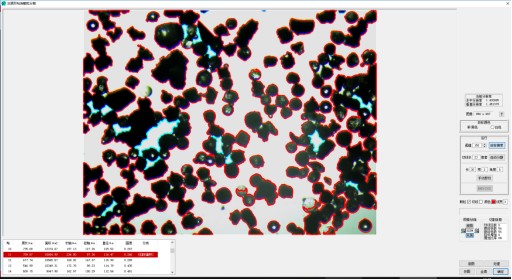
Particle Detection:
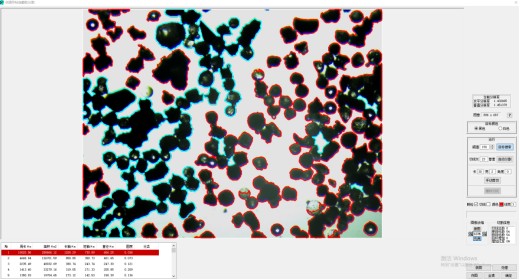
Automatic Particle Segmentation
Manual Tools
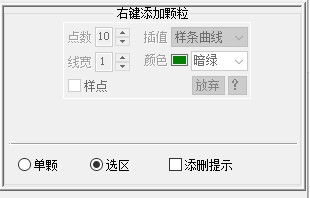
A specific area can be manually selected for analysis, and individual particles can also be added or deleted separately:
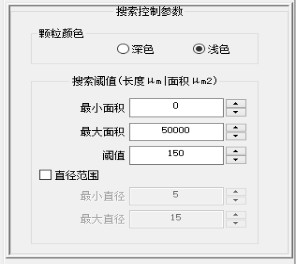
Particles across the entire image can be detected automatically:
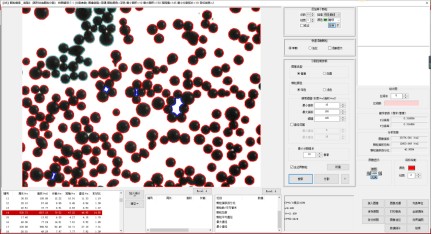
【08】Particle Detection – Type 6 (Segmentation of Circular Agglomerated Particles)
Load Original Image:
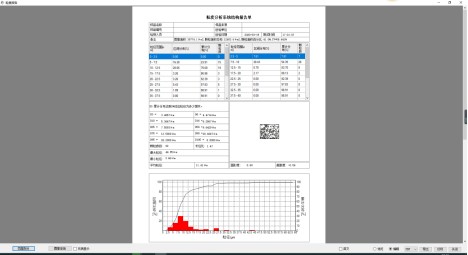
Statistical Data, Print Report
【09】Multiphase Microstructure Analysis – Type 7 (Simultaneous Extraction of Multiple Colors and Particle Detection for Corresponding Phases)Extract colors of 5 different microstructures with the mouse. Based on the detection parameters, the software calculates the perimeter, area, major axis, minor axis and diameter of each particle in the target microstructure, and automatically generates the total area and area percentage of the microstructure.
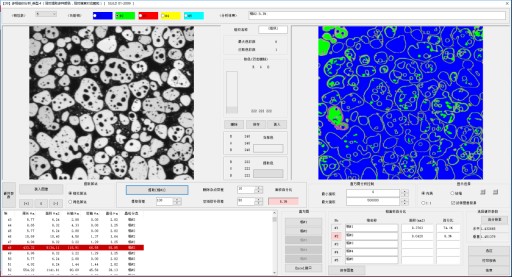
(Module Interface)
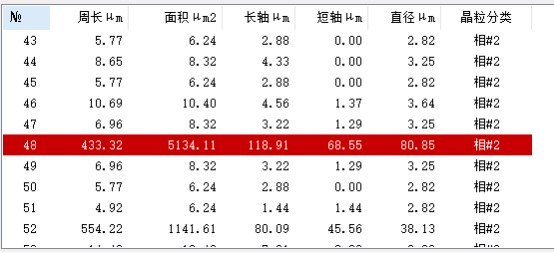
(Data List)
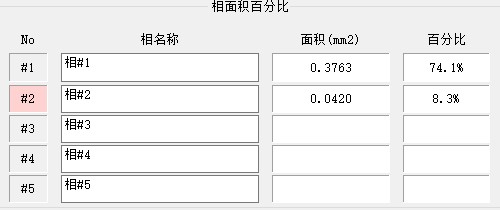
(Statistical Data)
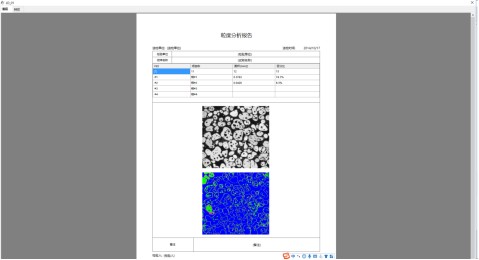
(Print Report)
【10】Particle Detection – Type 8 (Suitable for Blurry and Foggy Particle Images)Based on the detection parameters, the software identifies particles that meet the requirements and calculates the perimeter, area, major axis, minor axis, diameter and shape ratio of each particle. It also computes the total number of particles, particle area percentage, particle count per square millimeter, average diameter, total particle area, DN10, DN50, DN90, DS10, DS50 and DS90, as well as generates statistical charts.
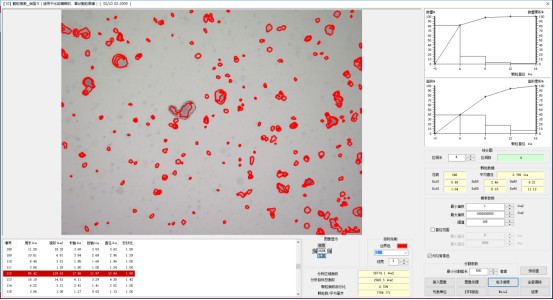
(Software Interface)
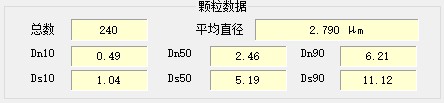
(Statistical Data)
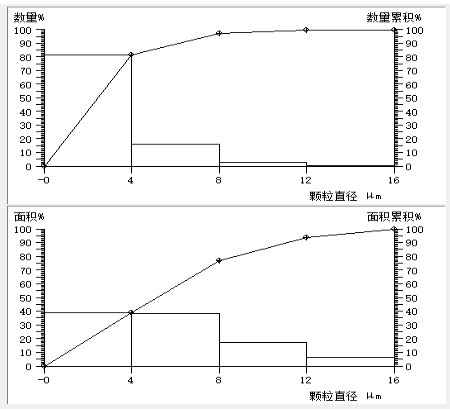
(Statistical Chart)
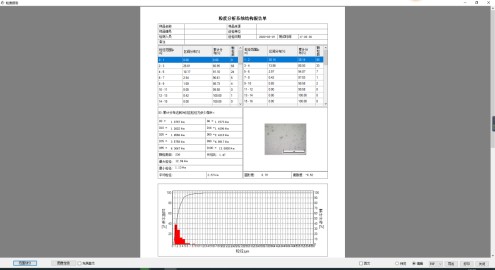
(Print Report)
【11】Particle Detection – Type 9 (Suitable for Particle Images Containing Approximately Circular and Triangular Shapes)Based on the detection parameters, the software identifies particles that meet the requirements and calculates the perimeter, area, major axis, minor axis, diameter and aspect ratio of each particle, as well as classifies the particle shape (rectangular, angular or other). It also counts the quantity and total area of each particle type, along with the total number of particles, particle count per square millimeter, total particle area and particle area percentage, and generates statistical charts. Particles can be added using the mouse detection tool, and the attributes of individual particles can also be manually modified.
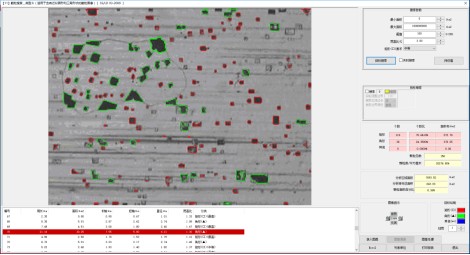
(Software Interface)
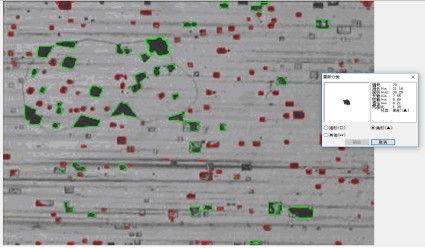
(Right-click on a particle to modify its attributes)
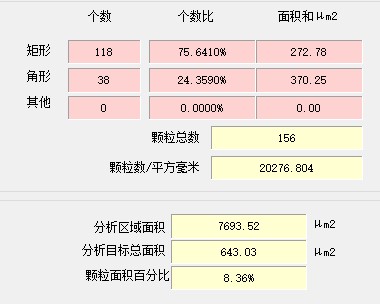
(Data Statistical Chart)
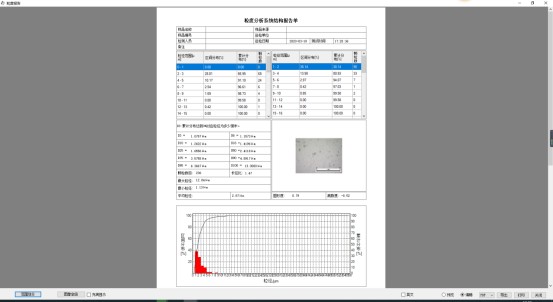
(Print Report)
【12】Particle Detection – Type 10 (Suitable for Particle Images with Internal Voids)Based on the detection parameters, the software identifies particles that meet the requirements and calculates the perimeter, area, major axis, minor axis, diameter, shape ratio, coordinates and attribute (solid particle or hollow particle) of each particle. It also counts the total number of particles, average diameter, area of solid and hollow particles, total particle area and particle area percentage.
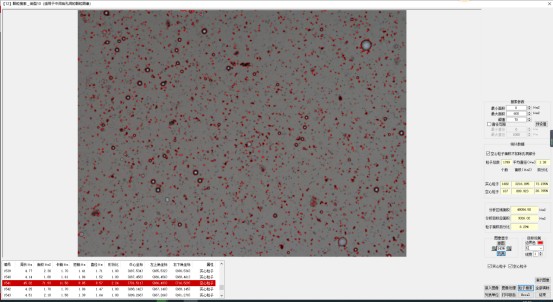
(Software Interface)

(Data List)
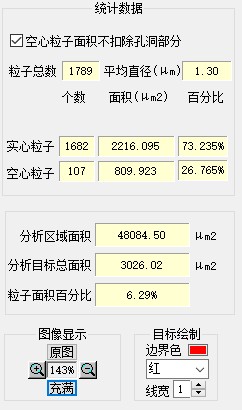
(Statistical Data)
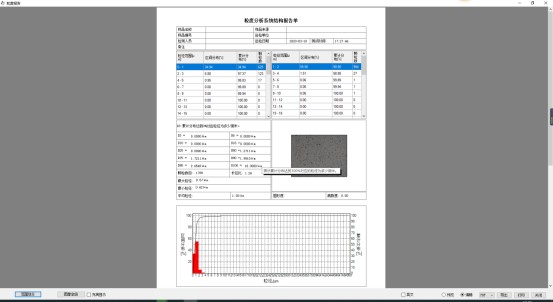
(Print Report)
Shandong Laishi Automation Technology Co., Ltd. (hereinafter referred to as "Laishi") is composed of a technical team with more than 10 years of research and development and manufacturing experience. The registered capital of the company is 3 million yuan. We specialize in the research and development, production, and sales of various desktop hardness testers and metallographic sampling equipment, and provide professional research and sales services for physical and chemical testing instruments, laboratory equipment, analytical equipment, and automation equipment.
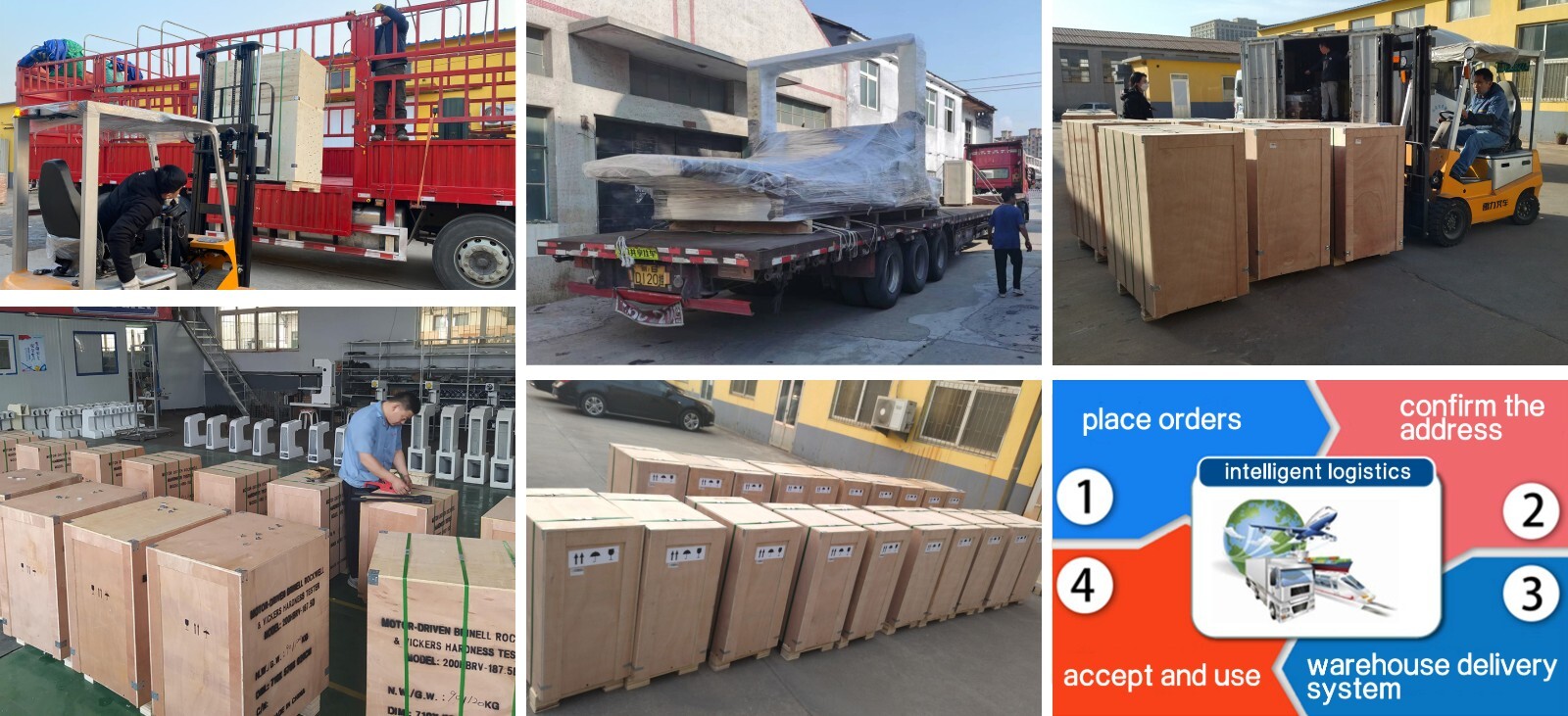
Packaging and Shipping
Have an inquiry or some feedbak for us? Fill out the form below to contact our team.
Related Product Recommendations
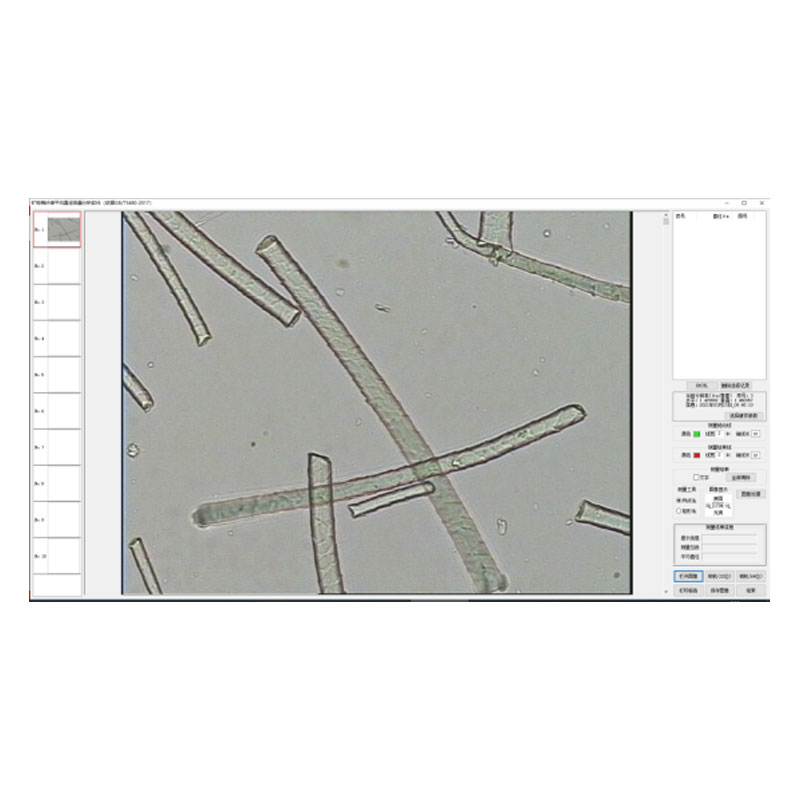
 Introduction to the Fiber Software SystemMore Details +
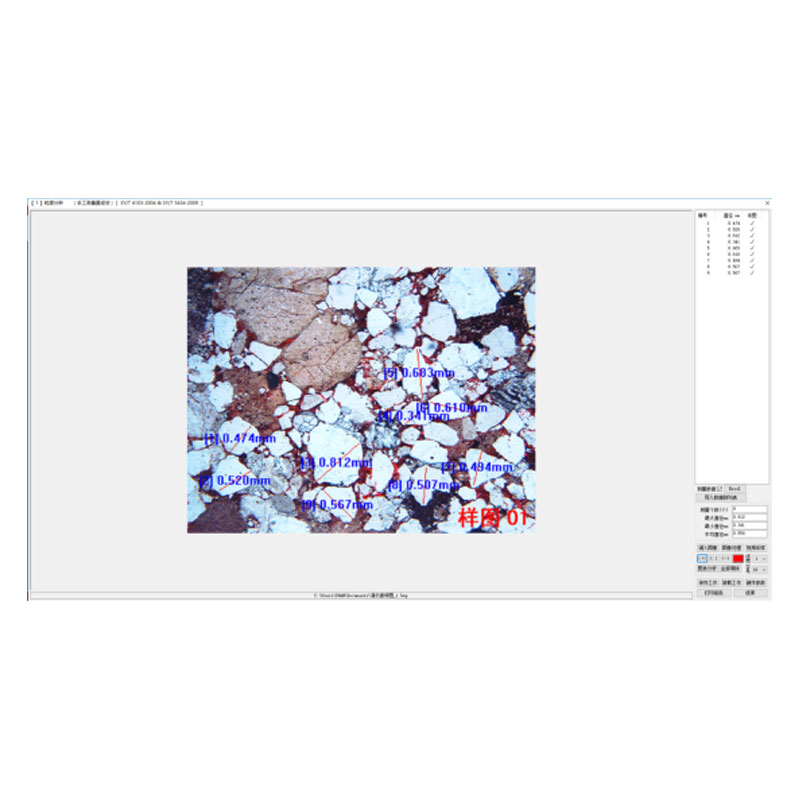
 Microscopy Software") Rock (Polarizing) Microscopy SoftwareMore Details +
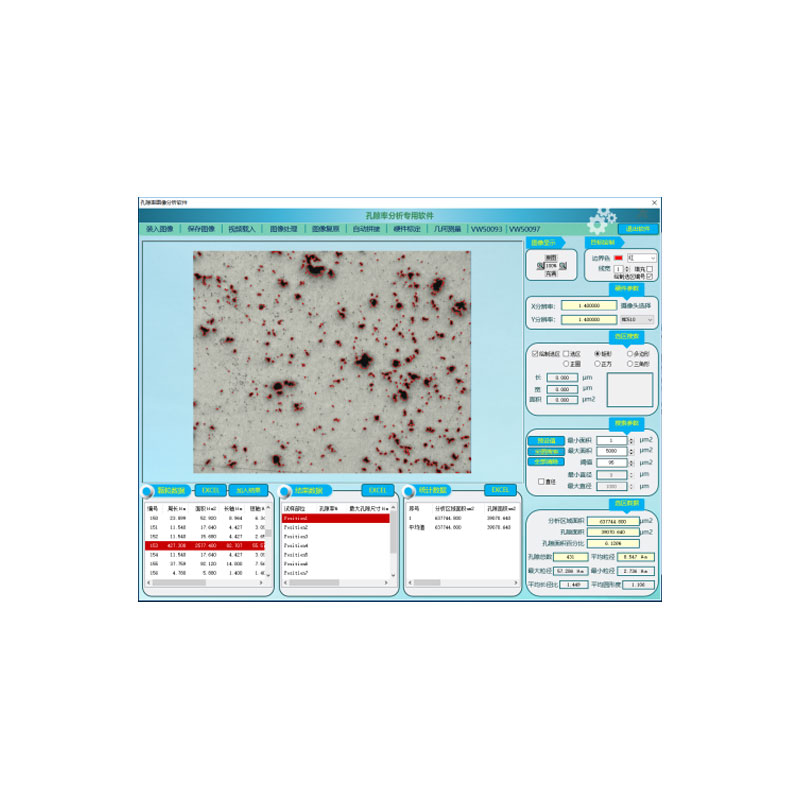
Rock (Polarizing) Microscopy SoftwareMore Details + Porosity Image Analysis SystemMore Details +
 Introduction to Particle Size Image Analysis SoftwareMore Details +
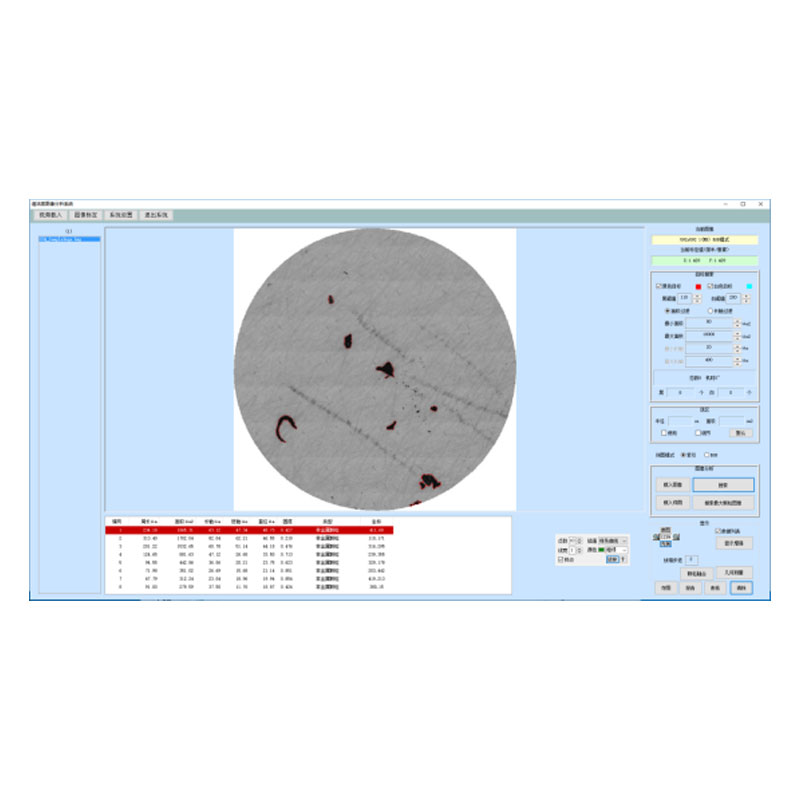
 Introduction to Cleanliness Image Analysis SoftwareMore Details +
 Genuine FMIA2025 Metallographic Image Analysis SoftwareMore Details +
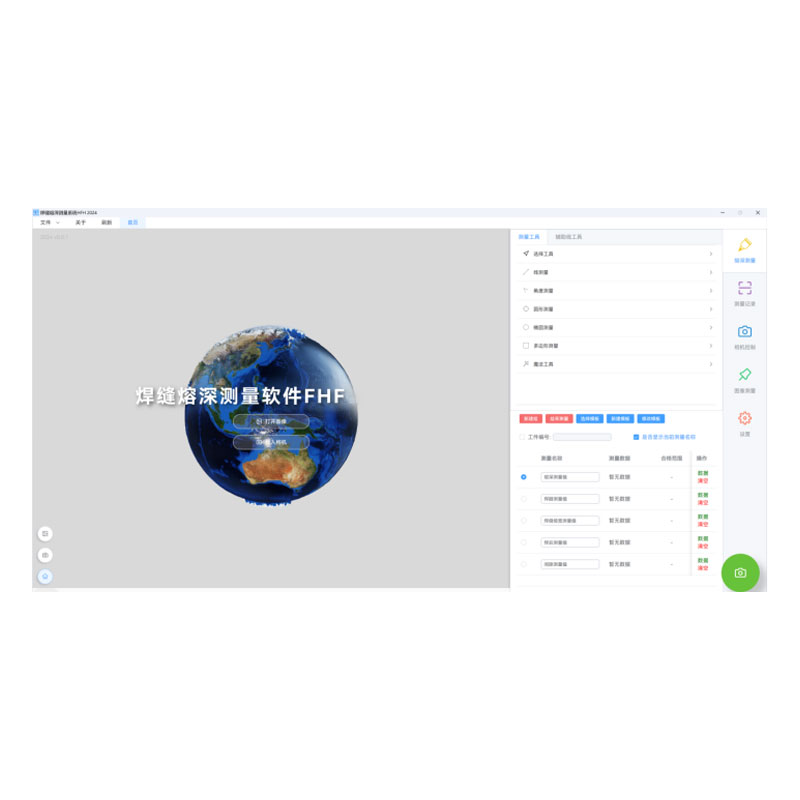
 FHF2024 Weld Penetration Measurement SoftwareMore Details +
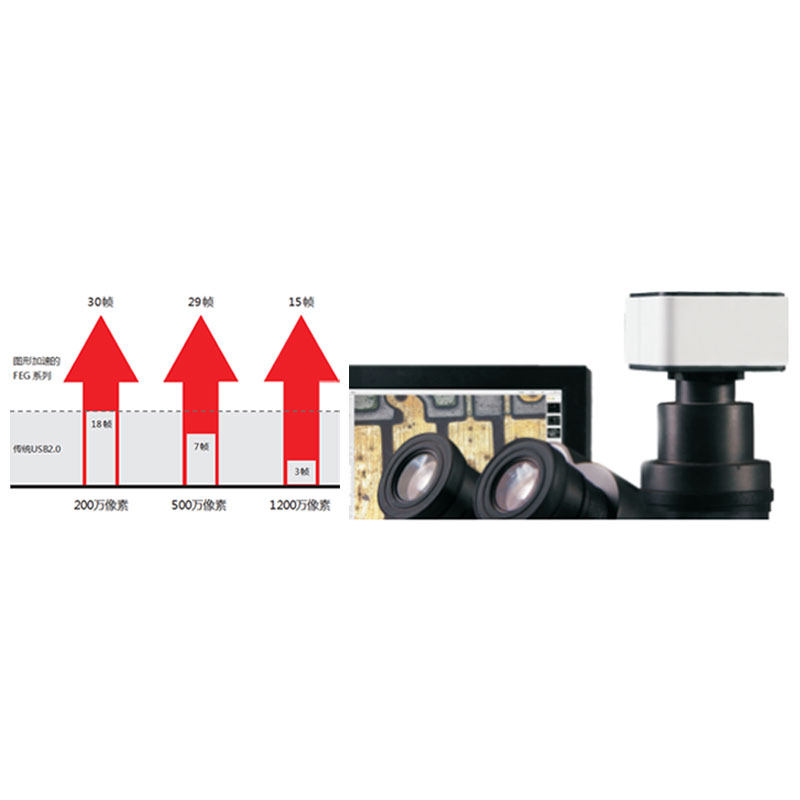
 FEG Series Digital Microscope CameraMore Details +
 FCL-RS Metallographic Image Measurement SoftwareMore Details +
 Carbon Black Microscopic Dispersion Measurement Software 2024More Details +
Search Starts Here
Our Email